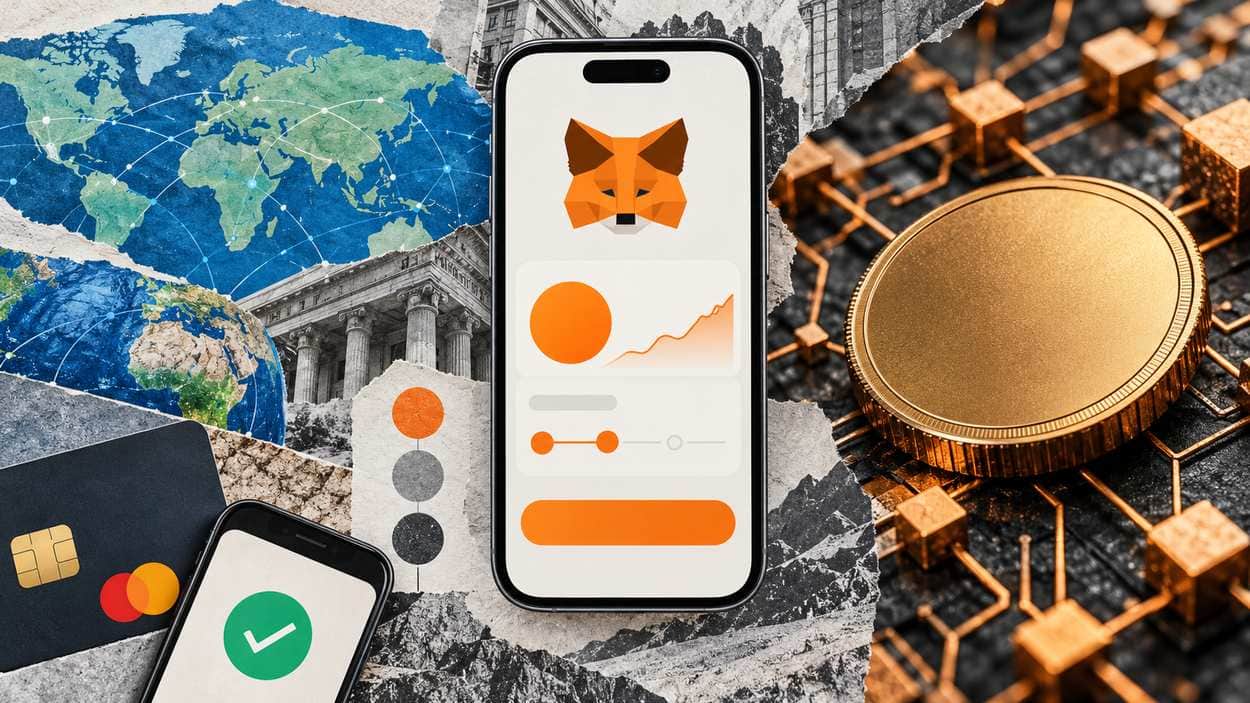
You can buy Bitcoin on MetaMask, which receives a 1% fee on every transaction, calculated as a percentage of the fiat value you request. When you create a new MetaMask account, a Bitcoin address is automatically generated for you, and you can hold BTC directly on the Bitcoin network within MetaMask. The provider, such as MoonPay or Transak, receives your request and executes the purchase, not MetaMask.
Users in more than 170 countries can buy crypto through at least one provider, and payment options vary by region. Every step below follows MetaMask’s support pages, including the account’s address format and the three fees on each quote; the address prefix comes from BIP 173 and the wrapped-BTC custody details from the WBTC and Coinbase pages.
Key Takeaways
- MetaMask receives a 1% fee on every transaction; on a $100 input, it calculates its share of the fees as $1.
- The 1% fee is consistent across all regions, payment methods, providers and tokens, and the provider’s “processing fee” includes it.
- Users in more than 170 countries can buy crypto through at least one provider.
- Quotes automatically refresh every 10 seconds to account for gas price fluctuations.
- Your Bitcoin account follows the Native SegWit derivation path by default, and an existing account imports with a 12 or 24-word Secret Recovery Phrase (SRP).
- Wrapped Bitcoin (WBTC) says every WBTC is backed 1:1 by Bitcoin in secure custody, while Coinbase Wrapped BTC (cbBTC) comes from Coinbase, whose wrapped assets are backed 1:1 and held in custody by Coinbase, which has a record of more than 10 years of securely custodying crypto.
How MetaMask’s Native Bitcoin Account Works
MetaMask Support states that a Bitcoin address is automatically generated when you create a new MetaMask account. It is part of MetaMask’s multichain account structure, which derives EVM, Bitcoin, and Solana addresses per account. EVM refers to the Ethereum Virtual Machine, the standard behind Ethereum-compatible chains. Your Bitcoin account follows the Native SegWit derivation path by default.
Any imported account must also be Native SegWit to be compatible with MetaMask at this time. MetaMask says support for other derivation paths will be added in the future. That makes the address type the first thing to check before moving an existing Bitcoin wallet in.
Bitcoin Improvement Proposal (BIP) 173 gives SegWit addresses the human-readable part “bc” for mainnet and “tb” for testnet. A mainnet MetaMask Bitcoin address therefore opens with “bc”, a quick visual check before you paste it anywhere.
The MetaMask wallet now lets you manage your BTC alongside your Ethereum and Solana assets all in one wallet. To find the Bitcoin address:
- Locate Bitcoin in the account’s address list.
- Click the copy icon to copy your Bitcoin address, or the QR icon to view your QR code and full address.
- You can also reach this screen through the three vertical dots in the account dropdown list, then ‘Addresses’.
Can MetaMask accept Bitcoin?
Yes. Bitcoin, the world’s largest cryptocurrency, is now supported in MetaMask. You can paste your MetaMask Bitcoin address into any exchange like Binance or Coinbase to send BTC directly to your wallet. You can also use it to transfer a balance from another Bitcoin wallet like Leather. With the address in place, the Buy button is the documented route to fund it with local currency.
Step 1: Open Buy and Choose Your Region and Payment Method
To buy Bitcoin on MetaMask, click the ‘Buy’ button in your homescreen and select your region, according to MetaMask Support. Payment methods are determined by your selected region, and you can see what’s available without making any commitment to spend. Options vary by region, for example PayPal, Apple Pay, debit/credit card or bank transfer.
Before you start: You need a MetaMask account and a region that at least one provider serves: Users in more than 170 countries can buy crypto through at least one provider. You will also usually need to prove your identity: Buying crypto directly will usually require KYC (know your customer) steps, such as proving your identity.
MetaMask Support lists the full Buy BTC flow in five actions:
- Click the ‘Buy’ button in your homescreen.
- Select your region and follow the steps to view available payment methods.
- Choose your desired payment method.
- Select Bitcoin and enter your desired amount.
- Choose your quote and confirm the transaction, with the best-value option presented first.
MetaMask’s buying guide covers MetaMask Mobile (v7.61 or later) and Extension (v13.48 or later). Users in certain regions also have the option to natively deposit tokens via Transak, a method that takes place entirely within MetaMask.
Right now, users in the United States can choose from Banxa, Coinbase Pay, Crossmint, Koywe, Mercuryo, MoonPay, Onramp.money and PayPal. The US list also includes Ramp.network, Revolut, Robinhood, Sardine, Stripe, Topper, TransFi and Transak. Provider availability varies based on locale and updates automatically based on your country or region. The quote screen is where the cost of the purchase is set.
You get one weekly briefing with only the stories that matter. If the market is quiet, we skip it.
Step 2: Compare Quotes and Read the Three Fees
Every quote to buy Bitcoin on MetaMask carries three charges. MetaMask’s Buy FAQs state that MetaMask receives a 1% fee on every transaction, calculated as a percentage of the fiat value you request. The provider’s fee is listed as the ‘processing fee’ on the quote and includes MetaMask’s fee. Gas costs are listed on the quote as the ‘network fee’.
On a $100 input, MetaMask calculates its share of the fees as $1, and the 1% fee is consistent across all regions, payment methods, providers and tokens. The fiat value you input will always be more than the value of crypto you end up receiving. Beyond MetaMask’s fee, you also pay the provider’s fee and the gas fees for the transactions that get the crypto into your wallet.
Source: MetaMask Support (Buy crypto FAQs), October 2026
MetaMask uses an aggregator of on-ramp providers and fetches quotes from each of its vetted providers. These quotes automatically refresh every 10 seconds to account for gas price fluctuations, minimizing the potential for failed transactions. Because you input your region and currency, the quotes are automatically configured for your circumstances.
If a provider appears on the quote list, you will be able to buy as quoted. The processing fee and network fee are the lines worth comparing across quotes, because MetaMask’s own share stays the same whichever provider you pick. Once a quote is chosen, the provider takes over.
Step 3: Confirm With the Provider and Track the Bitcoin Transaction
Each order to buy Bitcoin on MetaMask goes to a third party. MetaMask Support states that MetaMask does not fulfill the transactions you order: the provider, such as MoonPay or Transak, receives your request and executes the necessary steps. Your BTC will appear in your asset list once the transaction completes.
MetaMask’s role consists of compiling quotes, enabling you to select one, and then allowing you to order your chosen amount through the provider. The provider must execute transactions on-chain, so at minimum you wait as long as the network takes to process them (block time). After you confirm, MetaMask’s documentation points to three things to watch:
- Bitcoin transactions are much slower than Ethereum or Solana networks, and you can monitor progress in the Activity > Transactions tab.
- Pending purchases, not yet confirmed on the blockchain, are usually caused by the provider’s pre-authorization processes.
- If your bank account was charged and your crypto is delayed, MetaMask recommends contacting the provider’s support team directly.
For problems on a provider’s platform, such as payment limits, payment methods or KYC, MetaMask also recommends that provider’s support team. To manage personal information a provider holds, you must log into that provider’s platform directly and make the changes there. The BTC that arrives is native bitcoin, a different asset from the wrapped versions found on EVM chains.
Native Bitcoin vs WBTC and cbBTC on EVM Chains
MetaMask Support explains that Bitcoin’s native currency is bitcoin (BTC), while Ethereum’s native currency is Ether (ETH). On an EVM-compatible chain you would need a wrapped version of BTC, but you can hold BTC directly on the Bitcoin network within MetaMask. The two are separate assets with separate custody models.
Every WBTC is backed 1:1 by Bitcoin in secure custody, fully verifiable through the on-chain proof of reserves. A licensed custodian safeguards WBTC, with cold storage protected by multi-sig and distributed across regions.
On its cbBTC page, Coinbase states that Coinbase wrapped assets are backed 1:1 and held in custody by Coinbase, which has a record of more than 10 years of securely custodying crypto for institutions and customers. Assets transferred from a Coinbase account to an address on Base automatically convert to the Coinbase wrapped asset 1:1.
Source: MetaMask Support, WBTC, Coinbase, October 2026
Native BTC needs no issuer, while each wrapped token depends on the custodian that holds the bitcoin behind it. Readers who already hold BTC elsewhere can skip the Buy flow entirely.
How to Send Existing BTC to MetaMask or Import a Bitcoin Wallet
MetaMask Support says that if you already have BTC elsewhere, you can simply send it to your MetaMask Bitcoin address. You can also import an existing Bitcoin account from another wallet using your 12 or 24-word Secret Recovery Phrase (SRP) or “Secret Key”. To send BTC in from an exchange or another wallet:
- Locate and copy your Bitcoin address.
- Paste it into the recipient field in your exchange or other wallet.
- Review details and verify your address before confirming.
In MetaMask, you can only send and receive funds from addresses on the Native SegWit derivation path. Your BTC balance will appear in your wallet after the transaction is confirmed. Unlike a centralized exchange, which is custodial, MetaMask is a self-custody wallet. To import an existing Bitcoin wallet instead:
- Click ‘Add wallet’ in the account dropdown.
- Select ‘Import a wallet’.
- Enter your 12 or 24-word SRP and click ‘Import wallet’ to complete the process.
Importing with your SRP restores any other supported accounts, including your Bitcoin, Solana, and EVM addresses. MetaMask’s built-in swap feature can also move funds to BTC from any EVM or SOL token.
Common Mistakes When Buying or Moving BTC in MetaMask
MetaMask Support states that you can’t just send pure BTC to an Ethereum address or the other way around. The first check comes back to one rule: The address and the asset must sit on the same chain.
Wrong-network risk: Different blockchains use different standards for tokens, wallets and addresses. Review details and verify your address before confirming any send.
Three other errors trace back to MetaMask’s own documentation:
- Importing via private key is not yet supported for Bitcoin accounts, so the SRP route is the one that works.
- If gas prices rise after you submit, your quoted total may be too low to cover transaction costs by the time the network picks up the transaction.
- Since MetaMask does not execute your transaction, the provider will likely be better placed to help with a failed purchase than MetaMask’s team.
What if buying Bitcoin on MetaMask is not available in your region?
Buying crypto in MetaMask is not available in every country or region, because the companies MetaMask partners with cannot operate in every jurisdiction. Their operations are affected by varying laws and regulations. Even so, users in more than 170 countries can buy crypto through at least one provider.
If your region isn’t supported, one route is to buy tokens on a centralized exchange (CEX) and deposit them into MetaMask. That route will usually require KYC steps such as proving your identity, and CEXs differ from MetaMask in that they are custodial.
Can you buy Bitcoin on MetaMask with a credit card or PayPal?
Yes, where your region supports it: MetaMask gives PayPal, Apple Pay and debit/credit card as example payment options, and options vary by region. PayPal must be selected at the payment method screen to use its service. MetaMask’s buying guide also lists card and bank transfer.
Conclusion
You can buy Bitcoin on MetaMask and hold it as native BTC, and MetaMask’s own 1% fee is consistent across all regions, payment methods, providers and tokens. The processing fee and network fee are what change from quote to quote. The Native SegWit address type decides whether a transfer in will work.
MetaMask says support for other derivation paths will be added in the future. Until then, anyone moving an older Bitcoin wallet in, or weighing native BTC against a wrapped token, can check MetaMask’s address rules and compare each issuer’s own custody statement.